The ACCESS Variable Marketplace pilot allows Resource Providers to modify and discount the exchange rate for their resources. By temporarily increasing or decreasing the value of resource units you can “purchase” with your ACCESS Credits, Resource Providers have another tool to manage demand on their resources.
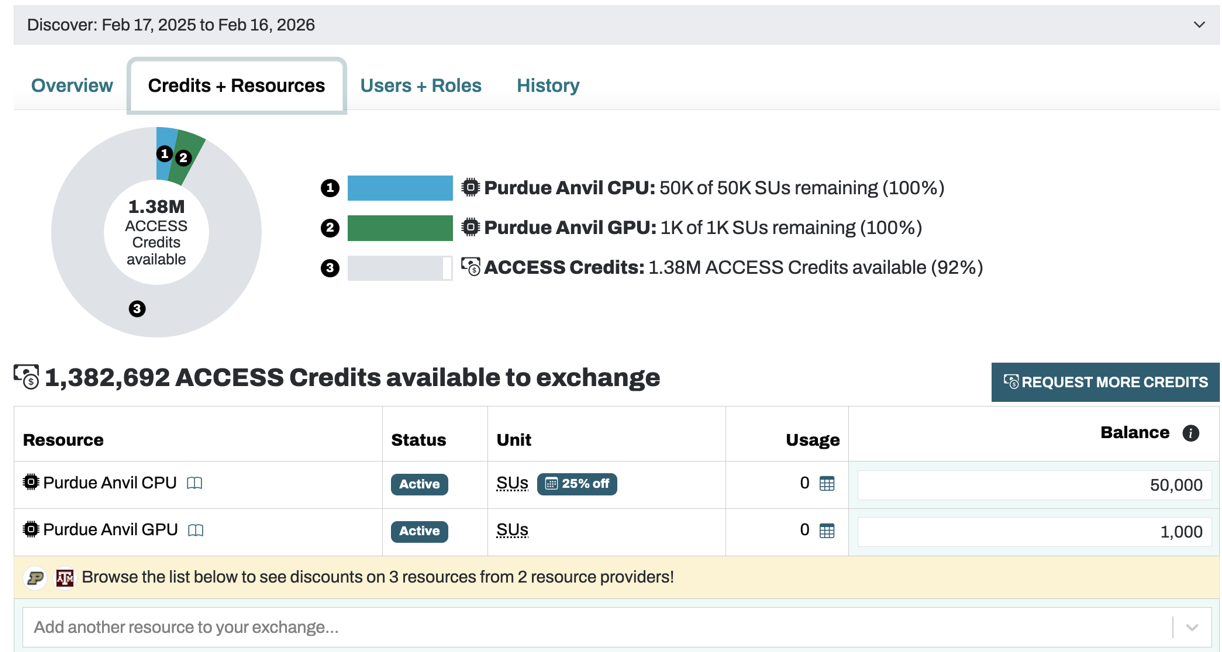
When visiting the ACCESS Allocations “My Projects” page to manage your allocation, you may see indicators that a resource currently has a discounted rate. The banner in yellow below indicates that there are discounts available.
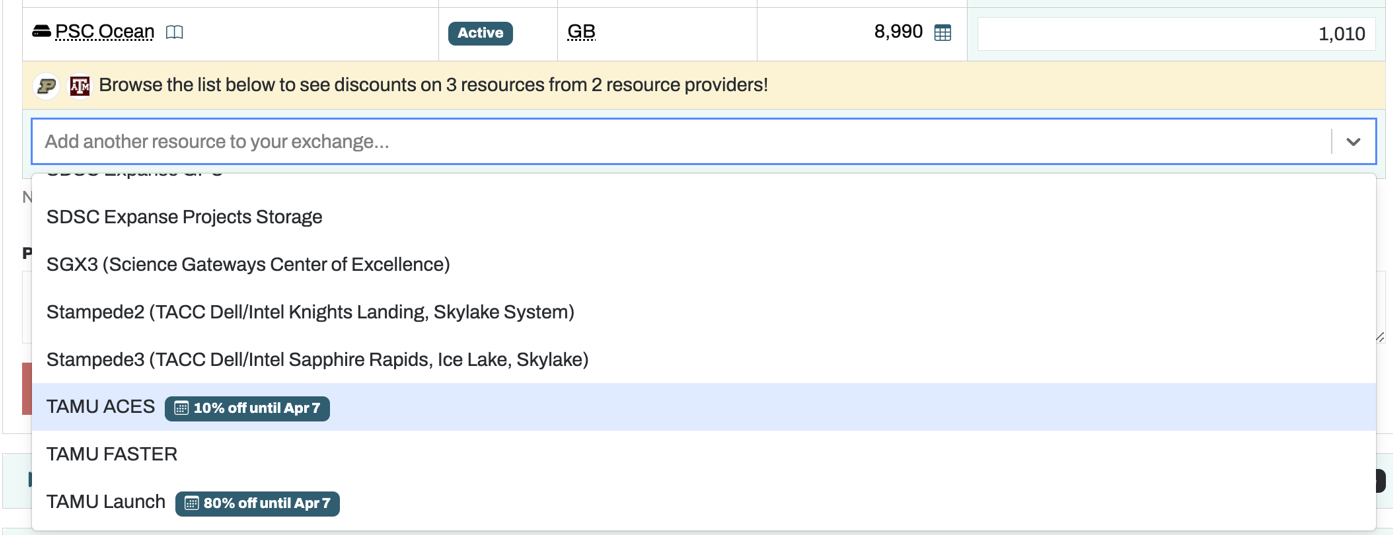
Once you expand the selector to add a resource, you will then see badges indicating the resources that are discounted, and a description of the discounted rate.
Once you select a resource with a discounted rate, and begin to exchange ACCESS Credits for resource units, the system will automatically apply the discounted rate to your exchange. You may then complete the form and submit the exchange request as usual.
Note that any discounts are only applied at the time of the exchange—after the exchange is made, the resource allocation is handled like any other allocation.
(And don’t try to combine discounted exchanges with transfers back to ACCESS Credits to inflate your ACCESS Credit balance. We thought of that, too.)
ACCESS Resource Providers can add date-limited discount exchange rates via the Resources interface in XRAS Admin.